

The tutorial you will see is a quick lesson to understand how to create a set of stylized vector icons with Adobe Illustrator. Different brushes and effects will be used to have a very particular icon with worn edges. A beautiful effect Grunge. A very detailed and easy to follow exercise for users who already have a good knowledge of the program.
Related Posts
01
Dec2013
Create Muzzle Flares in Blender – Tutorial
In this video tutorial we take a look at how to do some blaze effects on a firing gun with your favorite open source Blender software. One way to add…
19
Nov2022
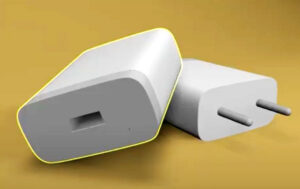
Modeling a USB Charger in Autodesk 3ds Max
In this video tutorial we will see how to create a 3D model of a charger in 3ds Max. We will see how to create the different parts of the…
15
Jun2013
Create a Vector Space Planet in Illustrator
Nel tutorial che seguiremo impareremo a creare una composizione per una scena spaziale con il pianeta Saturno in vettoriale. Si utilizzeranno forme semplici, vari metodi di fusione e seguiremo un…
01
Feb2013
Create a Scratched Metal Text in Photoshop
In the tutorial that we will follow the steps to create a scratched metal text effect using Adobe Photoshop are explained. We can practice a different use of filters and…
03
Jul2014

Basic HDRI Lighting in Cinema 4D
This video tutorial shows you how to create nice HDRI lighting in Cinema 4D software. We will use images to light up the scene and get a nice reflection in…
30
Sep2013
Using Sound Effector to Create Animations in Cinema 4D
Sound Effector is a tool in the Mograph module in Cinema 4D that you can use to create animations that fit perfectly into a sound or musical score. In the…
